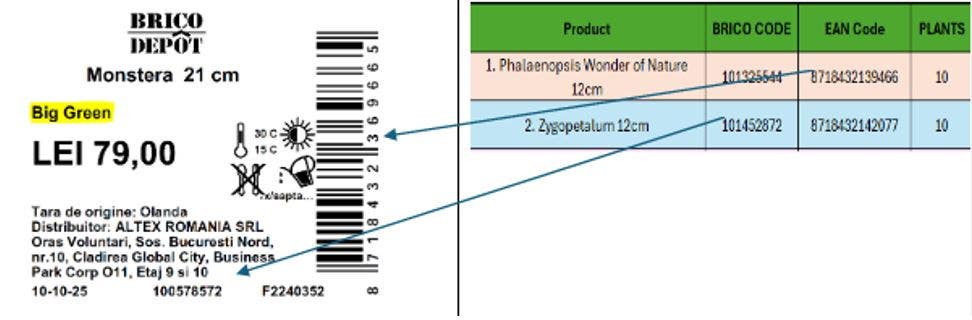



Step by step guide
Re-Green baskets:
Pentru ca mesele conceptuale să funcționeze corect, a fost creat un model de calcul care ajută fiecare magazin să decidă ce plante trebuie să fie prezente, cel puțin, pe mese.
Astfel se obțin următoarele avantaje:
Mai multă atracție pentru consumator – vânzările cresc
O prospețime mai bună a plantelor – mai puține pierderi (waste)
În fiecare joi, un cărucior este (parțial) încărcat pe webshop pentru fiecare magazin cu plantele stabilite de modelul de calcul.
Se poate întâmpla ca acest cărucior să fie deja complet și să poată fi comandat imediat, sau să fie doar parțial încărcat, iar magazinul trebuie să îl completeze conform nevoilor proprii.
În orice caz, intenția este ca, atunci când magazinul dorește să plaseze o comandă, să preia căruciorul deja încărcat sau să îl completeze în continuare.
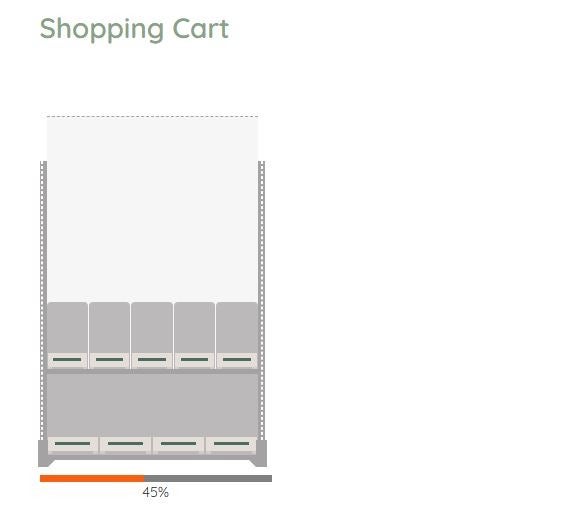
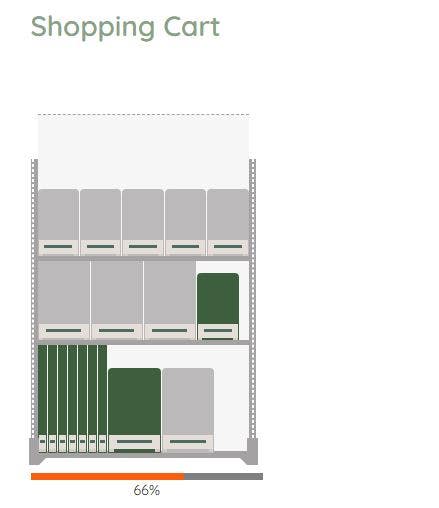
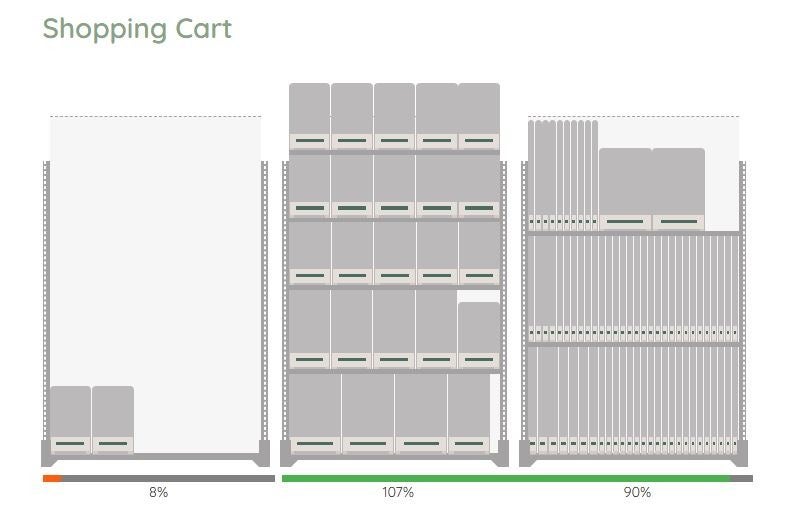
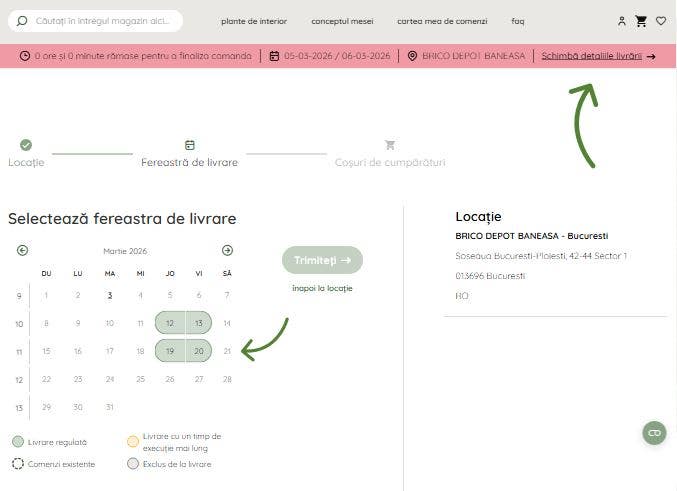
Step 1. Choose or change your desired delivery date:
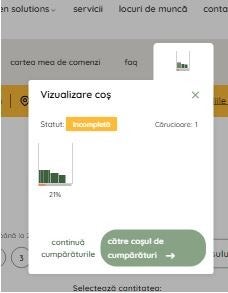
Step 2. Start shopping, fill at least 1 full trolley:

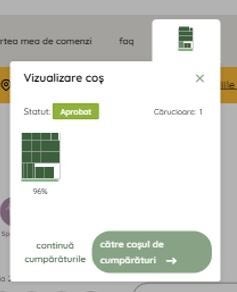
Step 3. Finish your trolley and place your order.
Want to place a first order at Green Solutions. Look at the tutorial video's, how the basics works, were to look and what you can expect as a follow up.
The second video is about finding some of your favourite products? Need to search an order again and again, no need! Use our wish lists, up to 10 wish list which you can you use to create your own favourites overview. And the best part, you can add them, with the desired amount, at once to your shopping cart!
Getting to know our webshop
Using a wish list
What to do when you receive the plants:
1. Check the trolley upon arrival
Each trolley comes with a clear trolley card or label.
This information shows which products are on the trolley and for which concept table(s) they are intended.
Verify whether the number of layers and trolleys matches your order.
2. Locate the sticker on the pot
Every plant pot contains a sticker with important information:
What does this sticker show?
Concept table
→ Indicates on which table or display setup the plant should be placed.
Customer article number
→ Helps you easily find the product in your own system.
Barcode
→ Can be scanned for inventory, control, or processing in your POS system.